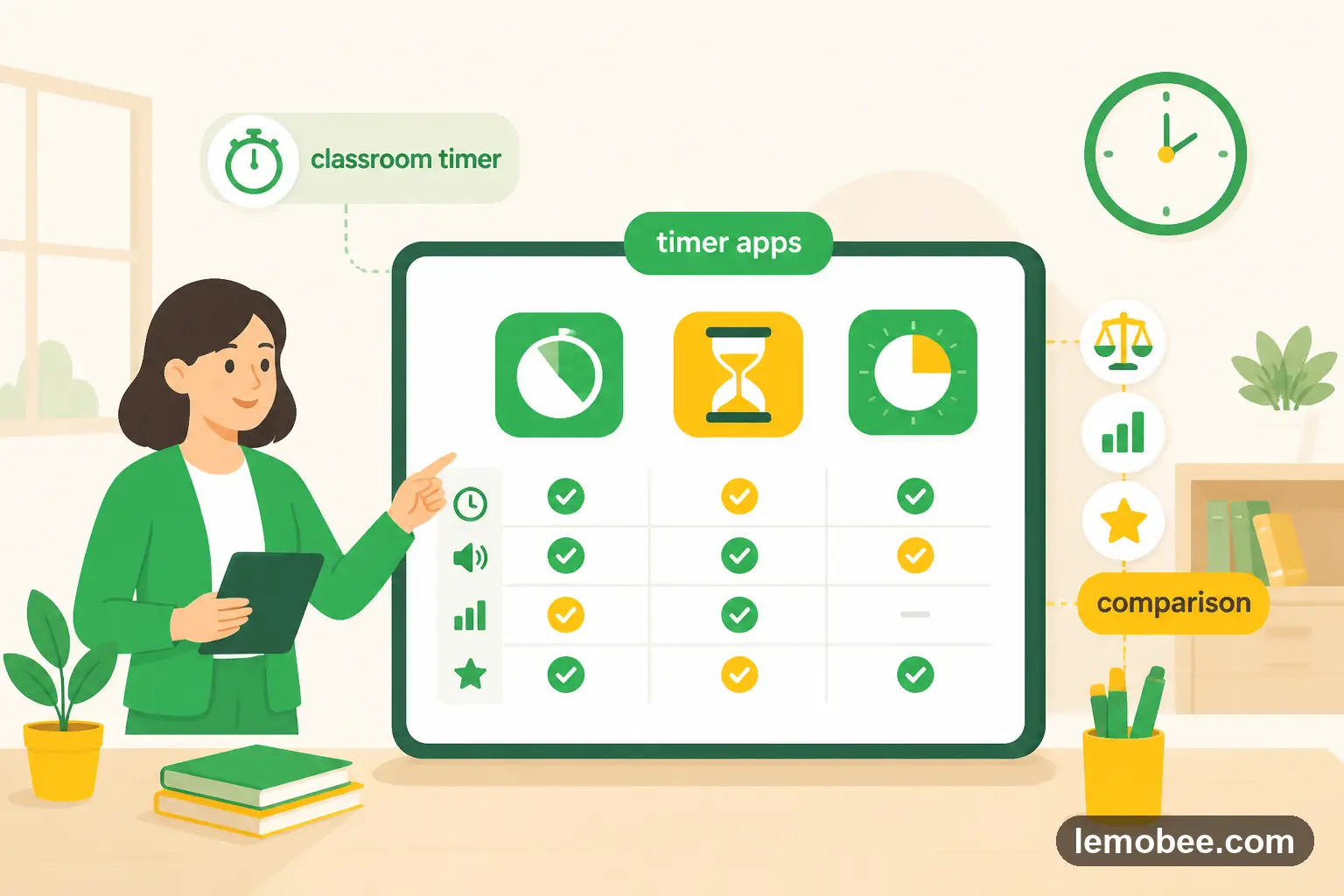
Best classroom timer apps in 2026 — honest comparison
We tested every timer app teachers actually use
What makes a good classroom timer?
A classroom timer needs three things: a large visible display, an audible end signal, and zero setup friction. Anything more is a bonus; anything less and you'll stop using it.
The timers we tested
We tested browser-based timers, mobile apps, and Chrome extensions. Here's what we found for each category.
KiwiBee (free)
9 timer styles in one place: classroom timer, visual timer, bomb, volcano, candle, sand, pomodoro, stopwatch, and interval. All free, no signup. Share to Google Classroom in one click.
Our recommendation
If you want a free, no-friction timer with variety, KiwiBee covers all the bases. If you're already paying for a platform with timers built in, use what you have. But don't pay for a standalone timer app — there's no reason to.
Related Posts

Is MagicSchool.ai Worth It for Teachers?
MagicSchool.ai promises to save teachers hours with AI-generated lesson plans, assessments, and communications. Here is an honest review of what works, what does not, and whether there is a better option.

The Optimal Scoring System: A Comprehensive Analysis
A thorough analysis of grading systems: 0-10 scales, letter grades with plus-minus modifiers, and skills-based mastery tracking. Discover which approach best balances precision and communication.

Is Classroom Screen Really Worth It?
Classroom Screen offers timers, traffic lights, random name pickers, and more in a browser-based display. Here is a thorough review of its strengths, limitations, and whether it is worth the subscription.