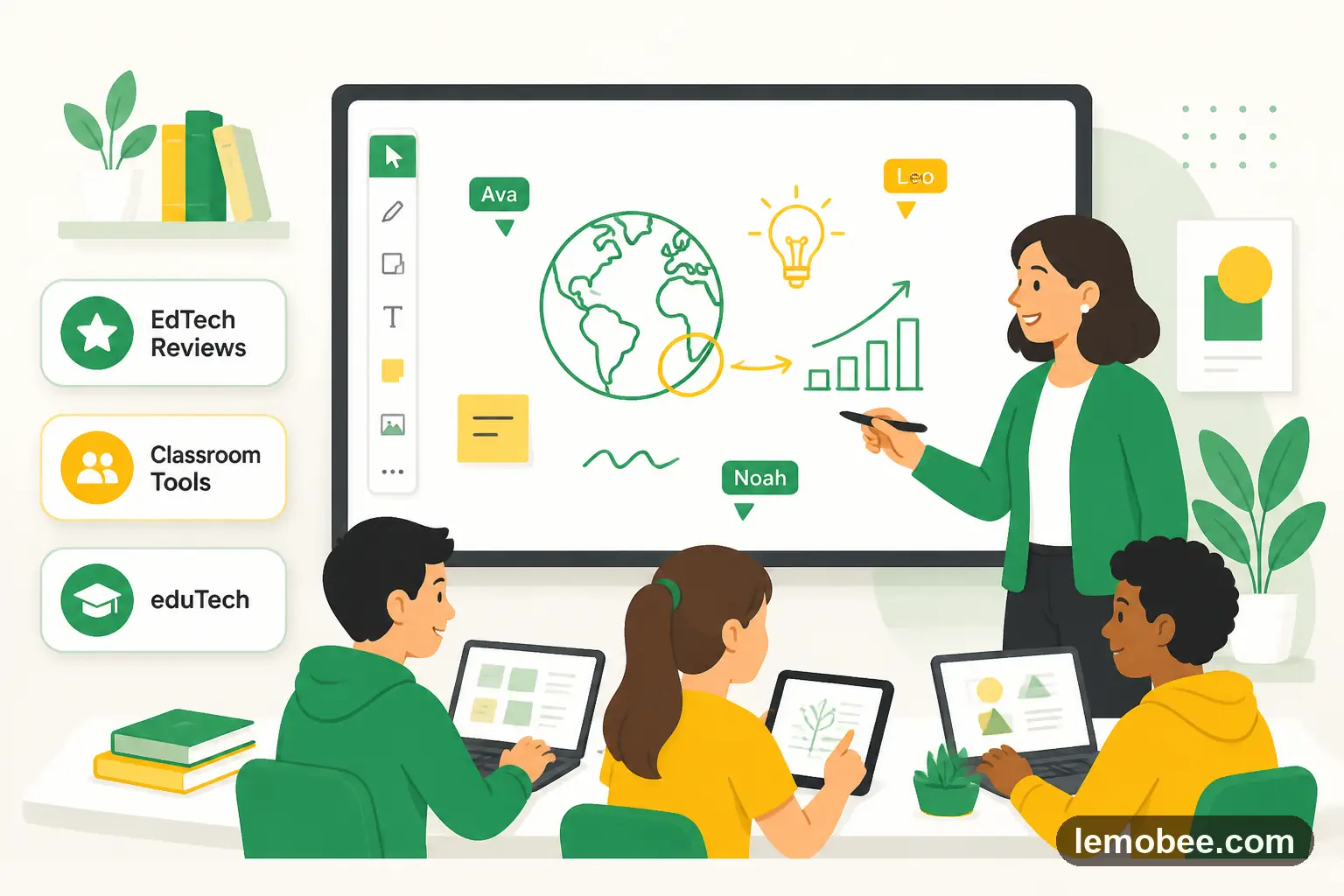
Best Collaborative Whiteboard Tools for Teachers (2026)
Best Collaborative Whiteboard Tools for Teachers (2026). An honest review of the leading classroom tools with strengths, weaknesses, and how to pick the right one for your context.
How we picked these
We ranked these tools by what teachers actually care about in practice: classroom energy, preparation time, student access, reporting depth, and whether the activity connects to the rest of teaching (lessons, gradebook, behaviour, parent communication).
No tool wins on every dimension. The right pick depends on what your week actually looks like — solo teacher vs whole-school rollout, free-tier vs paid, primary vs secondary.
Our shortlist
1. Padlet
Strong for infinite collaborative walls, sandbox brainstorming, easy media embeds, AI image generation, and shareable links for any device. The trade-off: free tier is restrictive (3 padlets), and the collaboration-only model doesn't replace a gradebook or behaviour system. Adds a separate login for students.
2. Mentimeter
Strong for live word clouds, polls, quizzes, Q&A, audience-driven slides, and presentation embed for any meeting. The trade-off: the free tier caps you at 2 question slides per presentation, which is unusable for daily teaching. The paid tier is priced for corporate, not for teachers.
3. Nearpod
Strong for interactive lesson slides, formative checks, VR field trips, ready-made lesson library, and student-paced or live modes. The trade-off: the free tier is genuinely limited — most useful features (interactive videos, VR field trips, audio responses) require the paid Gold tier.
4. KiwiBee
KiwiBee is free for individual teachers and built to connect lessons, classroom games, behaviour points (ClassSpark), the gradebook, and a parent portal in one platform. Worth a look if the standalone tool feels disconnected from the rest of your teaching. It overlaps with several of the tools above but adds the connected-platform layer they lack. Try it free at app.kiwibee.io.
Feature comparison
KiwiBee vs the leading classroom tools
How to choose
For one-off activities or a tool your team is already using, stick with the familiar option from the shortlist — switching tools costs more than it saves. For a workflow where the activity needs to connect to lessons, the gradebook, and behaviour data, look at a connected platform like KiwiBee alongside the specialist options.
Frequently asked questions
What is the best collaborative whiteboard for classrooms?
Padlet remains the most flexible open-canvas tool; KiwiBee leads when collaboration must connect to gradebook and homework.
Can students post to a class whiteboard?
Yes — KiwiBee supports collaborative class activities tied to lessons.
Do whiteboards replace lesson slides?
Whiteboards complement slides for brainstorming; KiwiBee combines both inside the lesson workflow.
Related Posts

Is MagicSchool.ai Worth It for Teachers?
MagicSchool.ai promises to save teachers hours with AI-generated lesson plans, assessments, and communications. Here is an honest review of what works, what does not, and whether there is a better option.

Is Classroom Screen Really Worth It?
Classroom Screen offers timers, traffic lights, random name pickers, and more in a browser-based display. Here is a thorough review of its strengths, limitations, and whether it is worth the subscription.

How Teachers Are Turning AI Into a Classroom Superpower
From AI coloring books to animated student drawings, teachers around the world are finding inventive ways to bring artificial intelligence into daily lessons. Here are six practical ideas you can try this week.