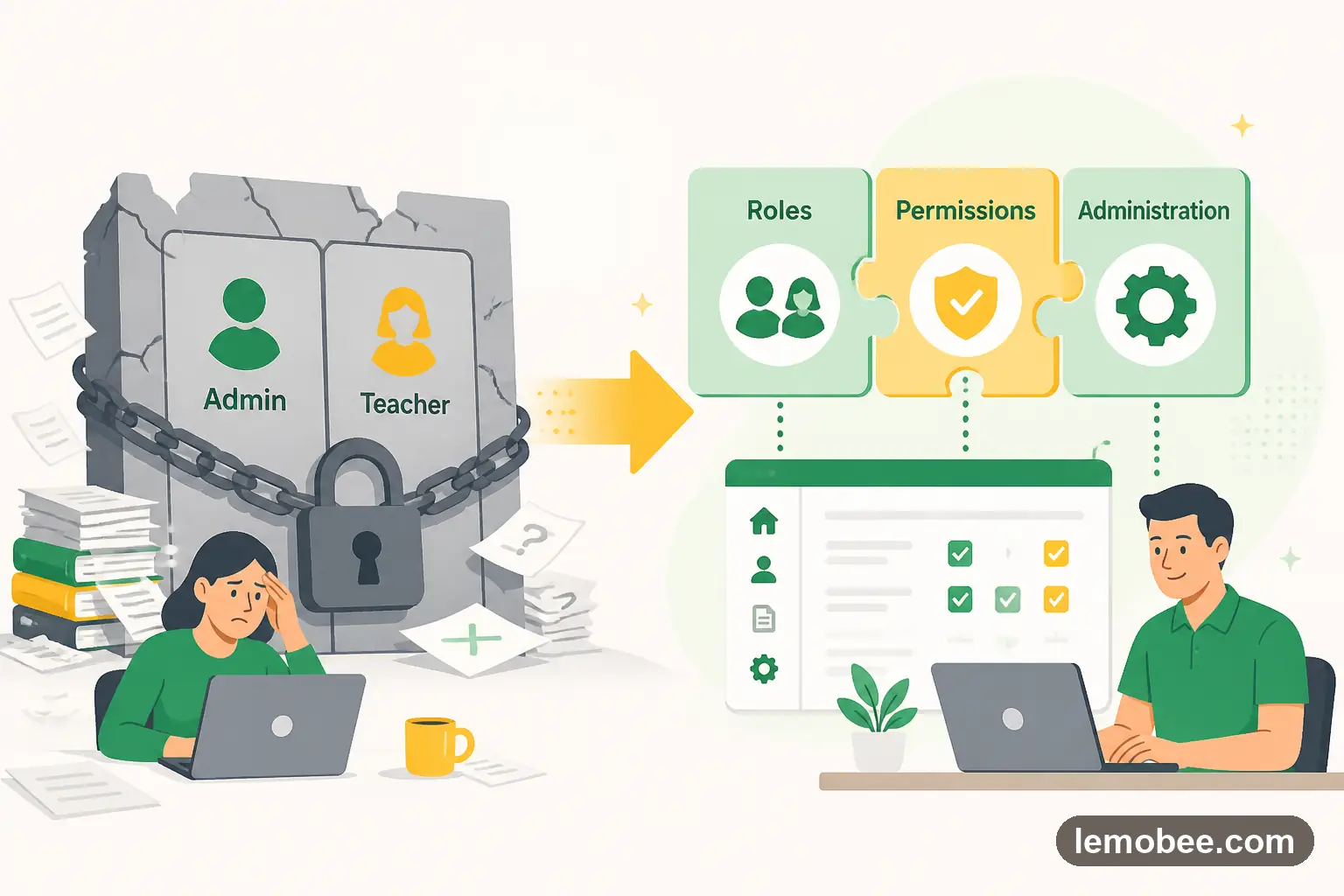
Why Generic 'Admin vs Teacher' Permissions Were Killing Our Workflow
The case for 17+ specialized user roles in school management

The Permission Nightmare
In our old system, you were either an 'Admin' (saw everything) or a 'Teacher' (saw almost nothing). Our librarian needed to manage book inventory and see which students had overdue items. To do that, she had full admin access — including teacher salaries, disciplinary records, and confidential parent communications. It was absurd, but there was no middle ground.
Our finance officer could see every student's academic record because that's what 'Admin' meant. Our teaching assistants had the same permissions as department heads. When GDPR auditors asked who had access to sensitive data, our answer was essentially 'everyone with an admin login.' They were not impressed — a problem that better policy management would have solved years earlier.
17+ Roles That Actually Make Sense
KiwiBee's HR and roles module mirrors how schools actually work. Our librarian has 'Librarian' access — inventory, borrowing records, overdue notices. Nothing else. Our finance team has 'Finance' access — payroll, billing, contracts. No academic data. Teaching assistants have 'TA' access — the classes they support, behavior logging, but not gradebook editing. Each role is a precise slice of the platform.
The core roles include: Super Admin, School Admin, Department Head, Teacher, Teaching Assistant, Scheduler, Finance, Student Affairs, Librarian, Sales Admin, Team Leader, and Academics — plus specialized roles multi-site organizations need. Each one was designed by people who understand that a scheduler needs different tools than a department head, even if they're both 'staff.'
The Compliance Win
When our next GDPR audit came, we could show exactly who had access to what. Student academic records: teachers and department heads only. Financial data: finance team only. Medical information: student affairs only. The auditor actually complimented our access control model. That's never happened before.
Related Posts

Windows Laptops as a Teacher: Tips and Tricks
Master six Windows tips that make teaching easier: keep your screen awake with PowerToys, strip formatting with Notepad, go fullscreen with one shortcut, and extract text from images.

Top Paid Worksheet Websites for English Teachers
Explore four top paid worksheet platforms for English teachers, including Teachers Pay Teachers, Twinkl, Education.com, and BusyTeacher. Compare pricing, quality, and best use cases.

Top Free Worksheet Sites for English Teachers
Discover four of the best free worksheet platforms for English teachers, from Canva's customizable templates to ISL Collective's massive library of ready-made materials.